
Caching
Efficient caching is crucial for fast and reliable delivery of your translations. By controlling how long files are cached, you can balance performance with the need for up-to-date content.
If you're integrating Locize outside of a browser application, check out alternative caching options.
Cache-Control and max-age
The Cache-Control: max-age directive defines how long a file should be cached by browsers or CDNs, measured in seconds. After this period, the file is considered stale and will be re-fetched.
Common max-age values:
- Disabled cache:
max-age=0 - Five seconds:
max-age=5 - One minute:
max-age=60 - One hour:
max-age=3600 - One day:
max-age=86400 - One week:
max-age=604800
Remember: If you set a high max-age (e.g., one week), users may not see updates for that duration.
Standard CDN vs Pro CDN caching
- Standard CDN: Has a fixed caching setting; custom cache times are not available.
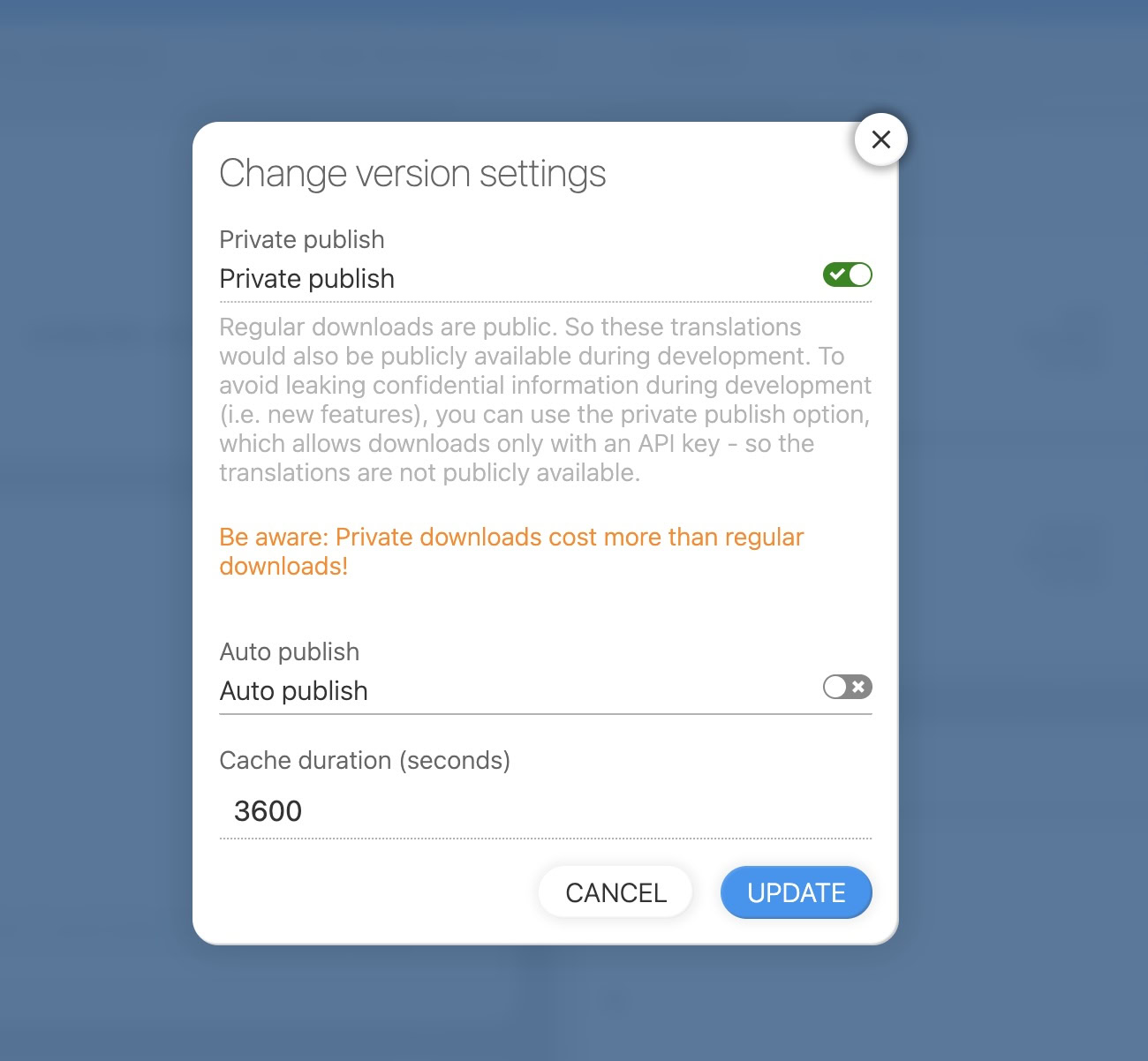
- Pro CDN: Allows you to set custom cache times (max-age) per version for more control.
Custom caching is only available with the Pro CDN type. The Standard CDN uses a fixed cache duration.
Best practices and recommendations
- For development versions, disable caching (
max-age=0) to always get the latest translations. - For production, use a low but non-zero cache value to balance performance and update speed.
- Create a dedicated version for production, and do not enable auto-publish for it. Enable Cache-Control max-age. Publish manually or via the API or CLI.
- Avoid enabling caching on the default "latest" version for a better saveMissing developer experience.